 VIVALDI
Windows
Windows 10 or later. Choose x64 for a compatible Intel or AMD system, or ARM64 for Windows on ARM. Check your system type if unsure.
For Windows 10 and later.
Choose the version that matches your operating system and processor. Vivaldi offers desktop and mobile apps; their features differ. You can browse without an account and enable encrypted Sync separately.
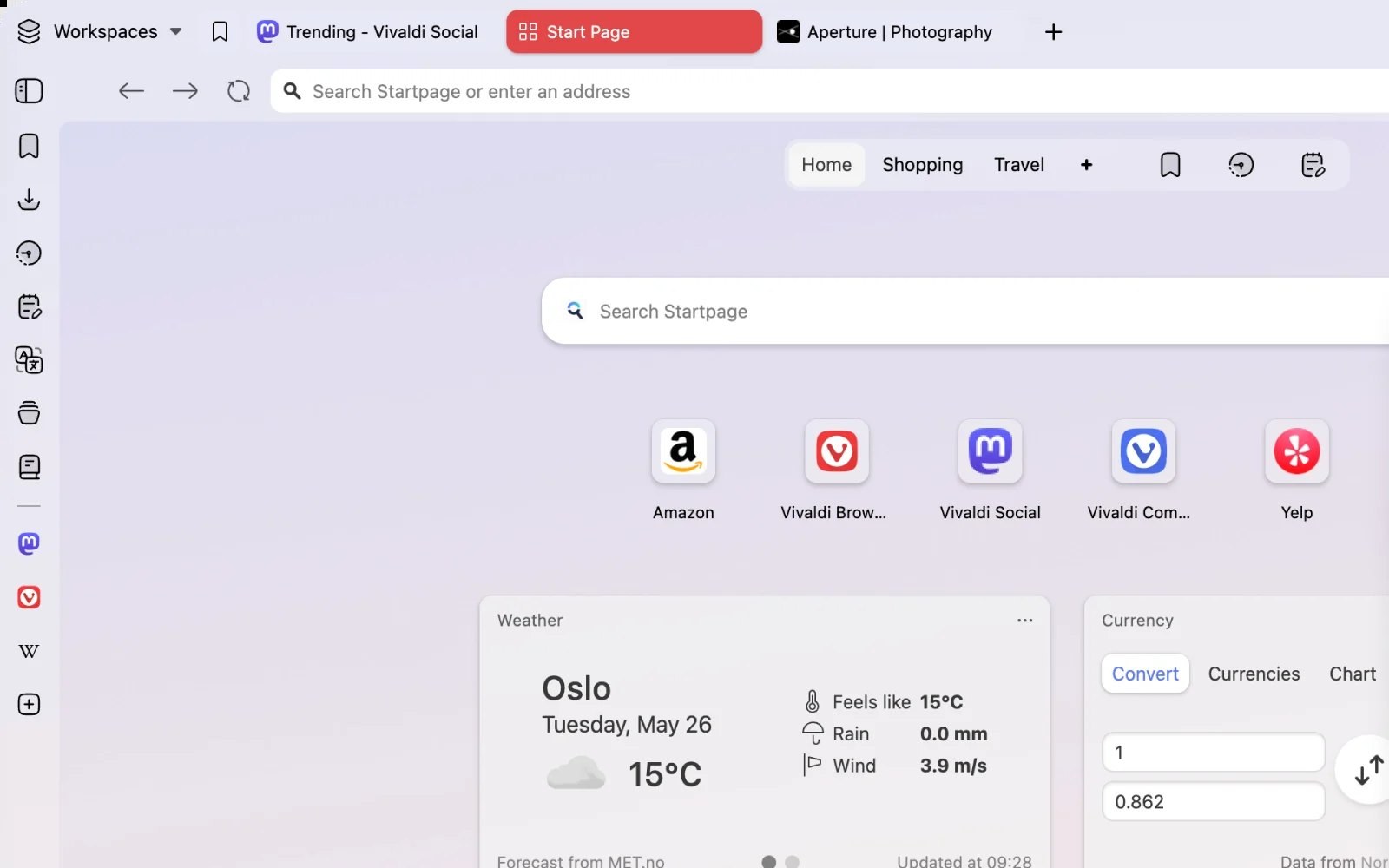
Check your system version and processor before choosing a download. The selector lists x64, ARM64 and other supported options. These links point to a specific release, so confirm its requirements rather than assuming it is the newest version.
Windows 10 or later. Choose x64 for a compatible Intel or AMD system, or ARM64 for Windows on ARM. Check your system type if unsure.
macOS 13 or later. The universal download supports Intel and Apple silicon; confirm that your Mac meets the requirements for the linked release.
Choose DEB or RPM to match your distribution, then select x64 or ARM64 to match the processor. Compatibility also depends on the distribution version and available libraries.
Vivaldi offers Android and iOS apps with built-in ad and tracker blocking. The buttons below open the store websites; search for Vivaldi and check the developer and device requirements. Sharing supported data with desktop requires Sync setup on each device.


Ordinary browsing does not require a Vivaldi account. To use Sync, sign in on each device and choose the supported data you want to share.
Sync encrypts selected data before upload and decrypts it on your devices using your encryption credentials. Keep those credentials safe; Sync is not a separate backup.
Desktop Vivaldi includes Mail, Calendar and Workspaces alongside tab tools. Mobile apps have different layouts and features; choosing a version does not make the platforms identical.
The figures below are listed on Vivaldi’s download website, checked on 11 October 2026. They describe the product and its community, not visitors or registered users of this website.
Vivaldi states that some preloaded partner bookmarks and Speed Dials may generate commission when used for purchases, including through the eBay Partner Network. These are product partnerships; they do not establish an affiliation with this website.
FAQ
Version selection, browser data imports and mobile availability.
The browser is free to download and use. Separate services may have paid plans, such as additional Proton VPN features. Check the terms of the service you choose rather than assuming every connected service is free.
Check the label on the main button and use the selector if it does not match your device. Match both the operating system and processor architecture. For Linux, choose DEB or RPM according to the distribution and check the linked release’s requirements.
Desktop Vivaldi can import data through File > Import from Applications or Files. The available data types depend on the source browser and platform. Bookmarks can also be imported from an HTML file; exported password files need careful handling because they may contain readable credentials.
Desktop update behavior depends on the platform and installation method. Check the browser’s update settings; on Linux, updates commonly use the configured repository and software manager. A fixed download link on this page does not itself update the browser.
Find Vivaldi in Google Play for Android or the App Store for iPhone and iPad. Confirm the developer and current device requirements. To share supported data with desktop, enable Sync and complete account and encryption setup on both devices. Go to mobile downloads
Confirm the selected system and processor before downloading. You can use the browser without signing in, then set up Sync if you want to share supported data across devices.
Download Vivaldi